

Fancy Text Generator
Type a few words and see them instantly in 21 decorative styles you can copy and paste, from heavy bold and looping script to circled letters and text flipped on its head. It is also a neat way to show pupils what Unicode is.
Opens Unscramble Words 4U, our free word-puzzle site, in a new tab. Free, with no sign-up.
What it does
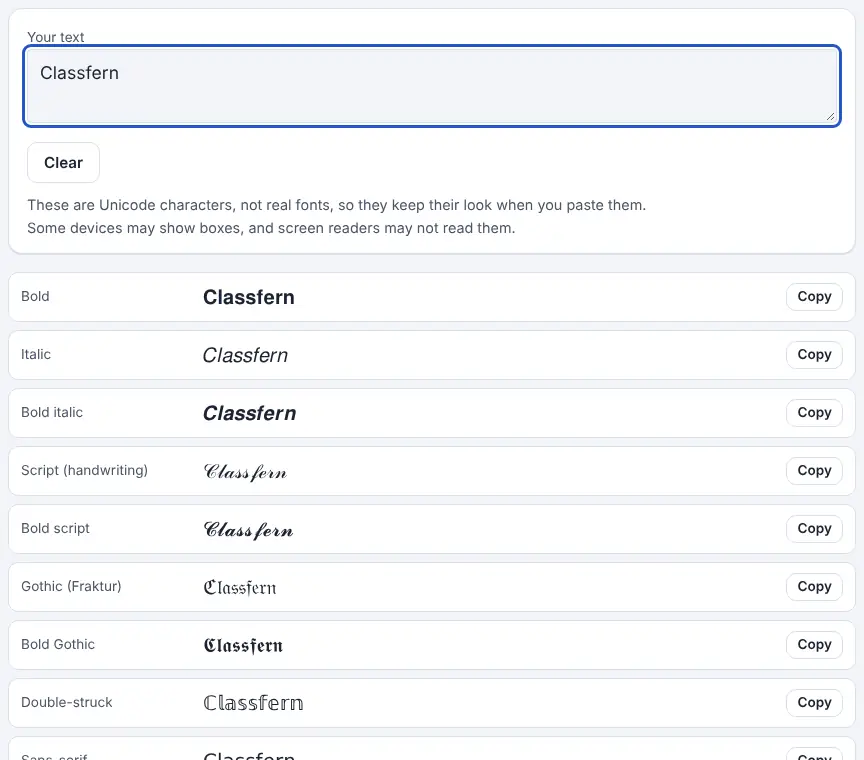
As you type (up to 500 characters), every style updates at once: bold, italic, bold italic, script, bold script, Gothic (Fraktur), bold Gothic, double-struck, three sans-serif styles, monospace, small capitals, circled bubble letters, black bubbles, squared and black-squared letters, wide (fullwidth) text, upside-down text, strikethrough and underline. A Copy button sits beside each one.
These are not really fonts. A font is a design for drawing normal letters, and you can only use one where an app lets you pick it. This tool does something different: it replaces every letter with a separate Unicode symbol that resembles a styled version, many of them borrowed from the mathematical alphabets created for formulas. Because they are separate characters, the look survives when pasted into places with no font menu. The flip side is that they only exist for A to Z (and digits in some styles). Accents are kept, but Greek, Cyrillic and other alphabets are left unchanged, except by strikethrough and underline.
How to use it
- Open the generator in a new tab.
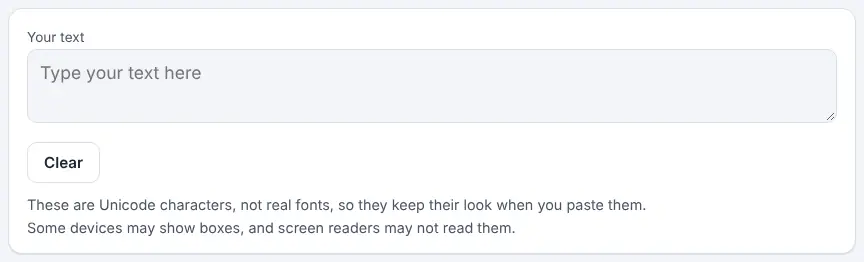
- Type or paste your text into the box.
- Scroll through the styles; each one previews your exact words.
- Press Copy beside your favourite, then paste it wherever you need it. If copying is blocked, highlight that row yourself and use your usual copy shortcut.
- Press Clear to start again. Nothing you type is saved or sent anywhere.
More tips
- Try pasting a styled word into a search box: it often won’t be found, which is a good talking point about how computers treat characters.
Ideas for the classroom and home learning
- KS2 (7–11)In computing, show that a bold letter from the generator is a completely different character from a normal letter by pasting both into a document and using find. Pupils predict the result first.
- KS3 (11–14)Link to a lesson on character encoding: compare the generator’s styles with the ASCII table and discuss why Unicode needed to include far more characters than ASCII.
- KS3 (11–14)Run a digital citizenship discussion: how would a screen reader user experience a post written entirely in fancy text? Pupils rewrite a sample post so it is both eye-catching and accessible.
- KS4 (14–16)In a media or design lesson, use the styles to mock up a poster heading, then justify where decorative text helps and where it gets in the way.
Questions
Why do some styles show as boxes?
The device or app doesn’t include those characters. Switch to a more common style such as bold or script.
Do screen readers cope with fancy text?
Often poorly. They may announce a long technical description for every letter or miss it out entirely, so keep anything important in normal text.
Is my text stored?
No. It is processed in your browser and disappears when you close the page.
Will it work with other languages?
Accented Latin letters keep their accents, but other alphabets stay as typed, apart from the strikethrough and underline styles.
Opens Unscramble Words 4U, our free word-puzzle site, in a new tab. Free, with no sign-up.
Accessibility: styled Unicode letters are often read badly or skipped by screen readers and may not be found by search. Use them for decoration, not for essential information, and avoid them in work pupils submit.