

Morse Code Translator
Type a word or sentence and watch it become dots and dashes – or paste in Morse and read the hidden message. It is a quick, free way to bring the oldest digital code into a lesson.
Opens Unscramble Words 4U, our free word-puzzle site, in a new tab. Free, with no sign-up.
What it does
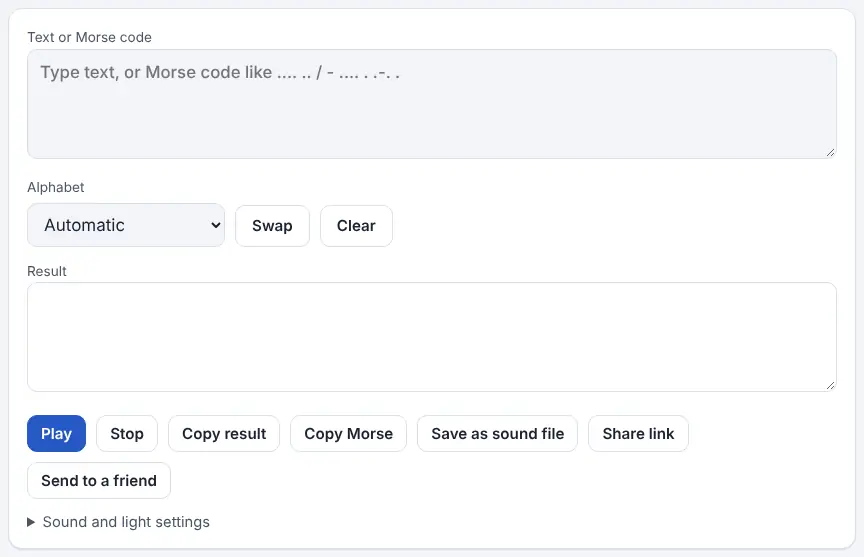
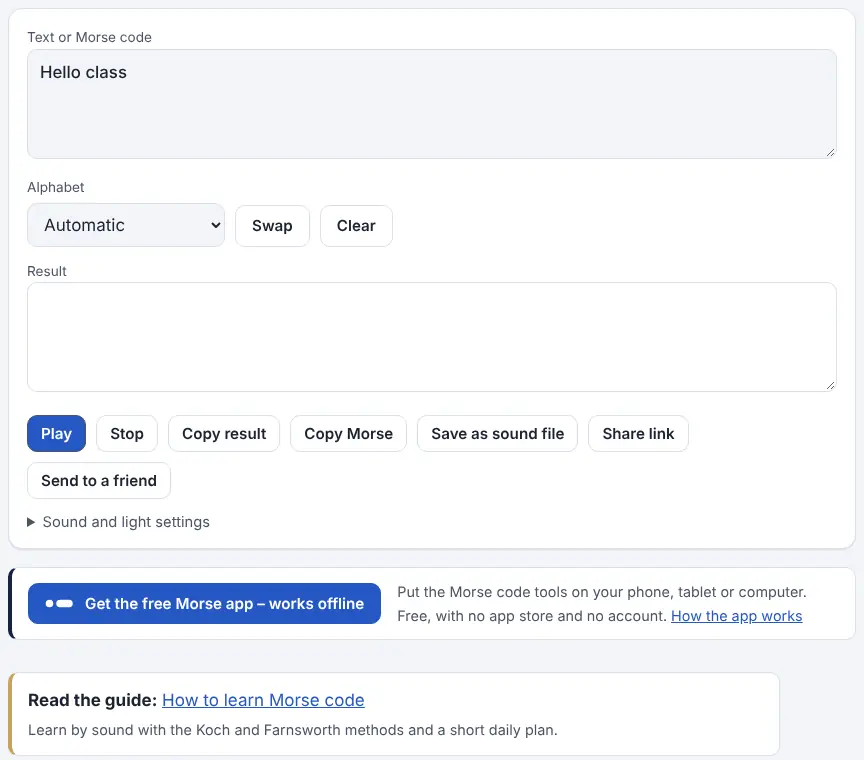
The Morse Code Translator on Unscramble Words 4U works in both directions from a single box. Write ordinary letters and it gives you Morse; write dots and dashes and it gives you letters. It spots which one you have typed, so there is no mode to set, and a Swap button moves the answer back into the box if you want to go the other way.
Once you have a result, you can hear it as beeps, copy it, download it as a WAV sound file, or make a link that opens the same message for someone else. A settings panel lets you set the speed in wpm, the pitch, the volume and the extra spacing between letters, and you can make the screen flash or a phone vibrate along with the sound. As well as International Morse, with accented letters, it covers the Morse systems used for Greek, Russian, Hebrew, Arabic, Persian, Korean and Japanese. It suits code clubs, Scouts and Guides, and curious children.
How to use it
- Open the translator and click into the input box.
- Type plain text, or type Morse using a dot or full stop for short signals and a hyphen for long ones. Leave a space between letters and put a forward slash (/) between words.
- Read the answer in the Result box. If a character has no Morse code, it appears as # and is listed underneath so you know what was skipped.
- Press Play to listen. Open the sound and light settings to slow it down, raise or lower the tone, or add Farnsworth spacing.
- Use Copy, Save as sound file or Share link to keep or pass on the result. The Send to a friend option builds a postcard link, with an optional nickname and a ‘decode it first’ challenge.
- For another writing system, pick it from the Alphabet menu – this matters when reading Morse, because the same pattern means different letters in each alphabet.
More tips
- A saved WAV file plays on classroom speakers with no website open.
Ideas for the classroom and home learning
- KS1 (5–7)Translate each child’s first name, print the dots and dashes, and have the class clap or tap the patterns – short claps for dots, held hands for dashes.
- KS2 (7–11)History link: explain that Samuel Morse and Alfred Vail developed the code for the electric telegraph in the 1830s and 1840s. Groups encode a short news headline and swap with another group to decode it.
- KS3 (11–14)Physics of signals: use the tone and speed sliders to explore frequency and timing, then discuss why an on–off signal is easy to pick out through noise.
- KS4 (14–16)Computing: compare Morse with binary and ASCII. Why does Morse give short codes to common letters, and what problems does a variable-length code create?
Questions
How do I write Morse code so the translator understands it?
Use dots for short signals and hyphens for long ones, a space after each letter and a slash to separate words. So .... .. reads as HI.
Is anything I type sent to a server?
No. The source page says the translation, the sound and any file are created inside your own browser. If you share a link, the message rides in the part of the address after the # sign, and that part is never passed to the website’s server.
Is the flashing light safe for everyone?
Flashing light may bring on a seizure in anyone with photosensitive epilepsy. The tool caps light modes at a slow speed to limit flashes, but check your class first and to stop it, press Escape or tap anywhere on the display.
Can it handle letters such as É or Ñ?
Yes. International Morse on the tool includes codes for common accented letters, and other scripts can be chosen from the Alphabet menu.
Opens Unscramble Words 4U, our free word-puzzle site, in a new tab. Free, with no sign-up.
Morse code is a way of sending messages, not a way of hiding them – anyone who knows the code can read it, so pupils should never use it for passwords or private details. Share postcard links only with people you know.