

Codeword Solver
Codewords are crossword grids with no clues, where every square holds a number standing for a letter. This free solver cracks the code from your grid and leaves you in charge of how much help you get.
Opens Unscramble Words 4U, our free word-puzzle site, in a new tab. Free, with no sign-up.
What it does
In a codeword puzzle, each of the 26 letters hides behind its own number, and a given number stands for one letter throughout the grid. Two or three letters are usually handed to you at the start. You copy the numbers into the solver, add those free letters, and it checks each horizontal and vertical entry against a word list until every number has a letter that fits wherever it appears.
The useful part for learning is that nothing is forced on you. You can uncover a single letter, the entry you have highlighted, or the whole puzzle, and you can test your own guesses without seeing the solution. That suits stuck puzzlers and teachers who want pupils to reason about letter patterns rather than copy answers. It all runs in the browser, so the grid isn’t uploaded anywhere.
How to use it
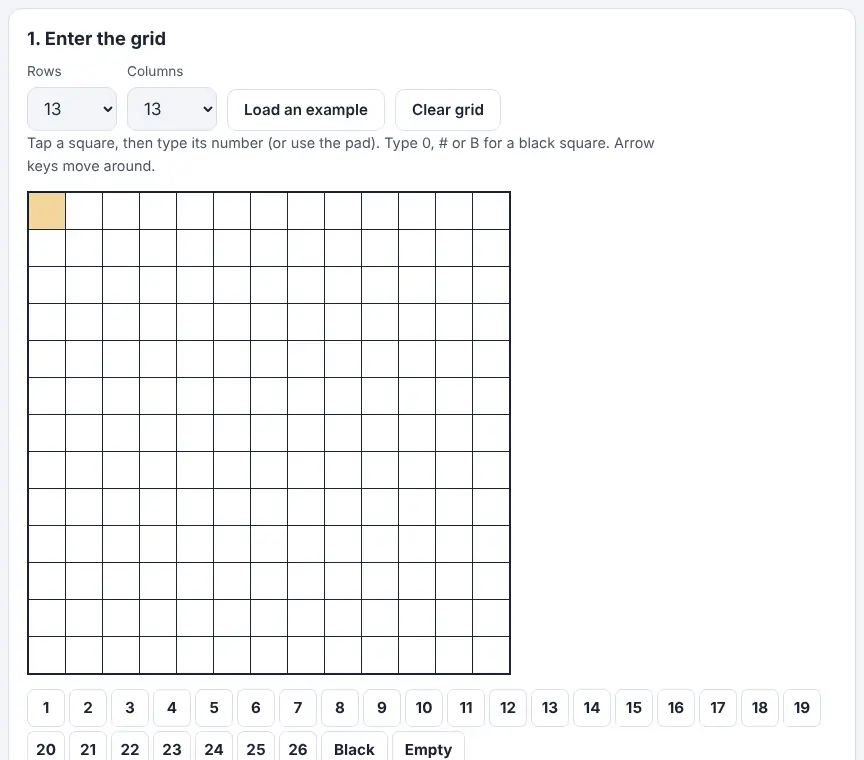
- Set the grid size so it matches your puzzle. Rows and columns each run from 5 to 19, and the tool opens at 13 × 13, a common newspaper size.
- Select a square, then enter the number printed in it (phones get an on-screen pad). Shaded squares are entered as 0, # or the letter B. Use the arrow keys to get about; tapping a square twice flips between across and down.
- Got the puzzle as text? Use the paste box instead: each line of text is one row, with a space between numbers and # marking shaded squares.
- Add the letters the puzzle gives you for free, plus any you have already cracked, and press Solve.
- Now choose your help. Reveal one letter gives a single number away; Reveal the selected word completes just the highlighted entry; Reveal everything finishes the lot. Check my letters marks wrong guesses in red without showing anything else.
- Load an example shows how it all works, and Clear grid wipes the board.
More tips
- If the tool says the grid is only partly solved, look for a mistyped number or a name the word list may not know, fill in letters you’re sure of, and run it once more.
- Small grids without free letters can have more than one valid answer, so always enter them when the puzzle supplies them.
Ideas for the classroom and home learning
- KS2 (7–11)Make a tiny 5 × 5 codeword using this week’s spelling words. Pairs crack it, then use Check my letters to test their guesses before anyone reveals a thing.
- KS3 (11–14)Link it to maths: tally how often each number appears in a newspaper codeword and compare the results with typical English letter frequency. Why might a number used only once be a rare letter like Z?
- KS4 (14–16)Ask students to write the chain of reasoning behind each letter they place, as a short logic exercise. Allow a single-letter reveal only when a group is truly stuck.
- FamiliesShare a weekend codeword at home with a ‘one hint each’ rule, so the reveal buttons are used sparingly and everyone keeps thinking.
Questions
Do I need the starter letters?
Not always – bigger grids can often be cracked from the number pattern alone. The free letters remove doubt, though, and on a small grid they may be the only route to a single answer.
Can pupils check work without seeing the answers?
Yes. They type their letters into the boxes for each number and press Check my letters. Mistakes show in red; correct letters are left alone and the rest stays hidden.
What grid sizes does it handle?
Any rectangle from 5 to 19 squares along each side. Rows and columns are set separately, so non-square grids are fine.
Opens Unscramble Words 4U, our free word-puzzle site, in a new tab. Free, with no sign-up.
Number-for-letter puzzles are a game, not a way to protect information – remind pupils never to use them for passwords or private messages.