

Base64 Encode
Base64 repackages data as plain letters, digits and a couple of symbols so it can travel safely through text-only systems. This tool encodes your text instantly.
Opens Unscramble Words 4U, our free word-puzzle site, in a new tab. Free, with no sign-up.
What it does
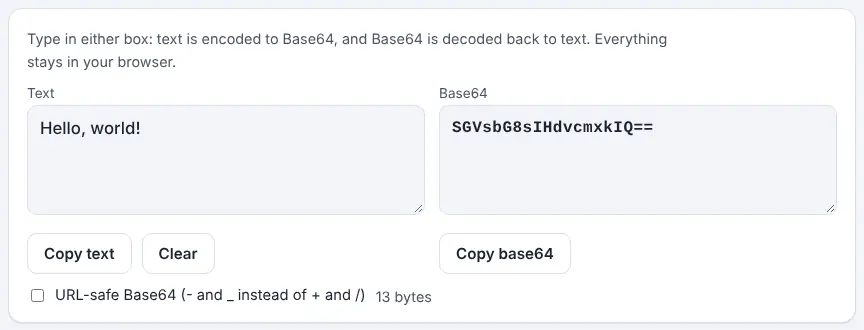
Type in the Text box and the Base64 version appears in the other box. For example, Cat becomes Q2F0 and Classfern becomes Q2xhc3NmZXJu. Your text is turned into UTF-8 bytes first, which means é, Greek letters or emoji come out right and will decode properly elsewhere. Both boxes are linked, so you can also paste Base64 to decode it, and there are copy buttons for each plus a Clear button.
A URL-safe tick box swaps + and / for - and _ and drops the = padding, which suits web addresses and file names. Behind the scenes Base64 works on groups of three bytes. Those 24 bits are cut into four 6-bit pieces, and each piece, a value from 0 to 63, is shown using a 64-character set: A–Z, a–z, 0–9, + and /. That is why the output ends up about a third longer than what you started with. Many web pages use the same trick to tuck small pictures directly into their code, and email uses it to carry attachments.
How to use it
- Enter your text in the Text box.
- Read the Base64 result in the second box.
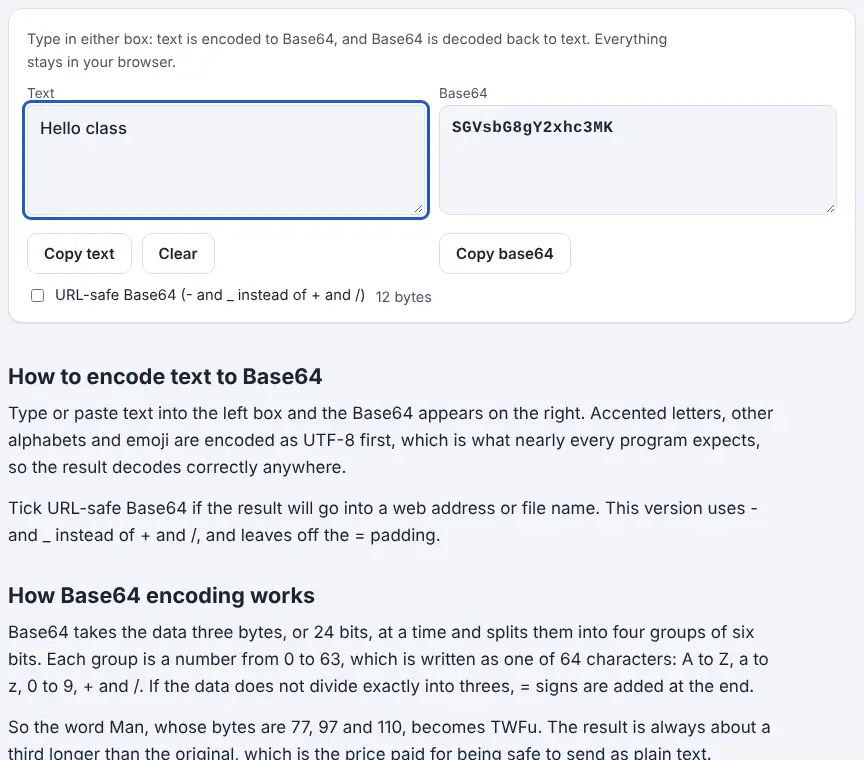
- Tick the URL-safe option if the result is going into a link or file name.
- Press Copy base64 to copy it, or Clear to empty both boxes.
More tips
- Try encoding a single letter, then two, then three, and watch when the = padding appears and disappears.
Ideas for the classroom and homeschool
- Grades 6–8Encode a student's name and work out by hand why it has the length it does, using the three-bytes-to-four-characters rule.
- Grades 6–8Discuss the difference between encoding, compression and encryption with examples from everyday tech.
- Grades 9–12Walk through the bit-splitting for a three-letter word on paper, then check each character with the tool.
- Grades 9–12Research where Base64 is used, such as email attachments and images embedded in web pages, and present findings.
Questions
Why does the output grow?
Every three bytes become four characters, so it grows by about a third.
What do the = signs mean?
They are padding, added so the character count divides by four when the bytes do not split into threes.
Can I encode a whole file?
No. This tool handles text only.
Is Base64 a kind of encryption?
No. Anyone can decode it in a second, so never use it for passwords or private details.
Opens Unscramble Words 4U, our free word-puzzle site, in a new tab. Free, with no sign-up.
Base64 is an encoding, not encryption. It offers no security at all.